
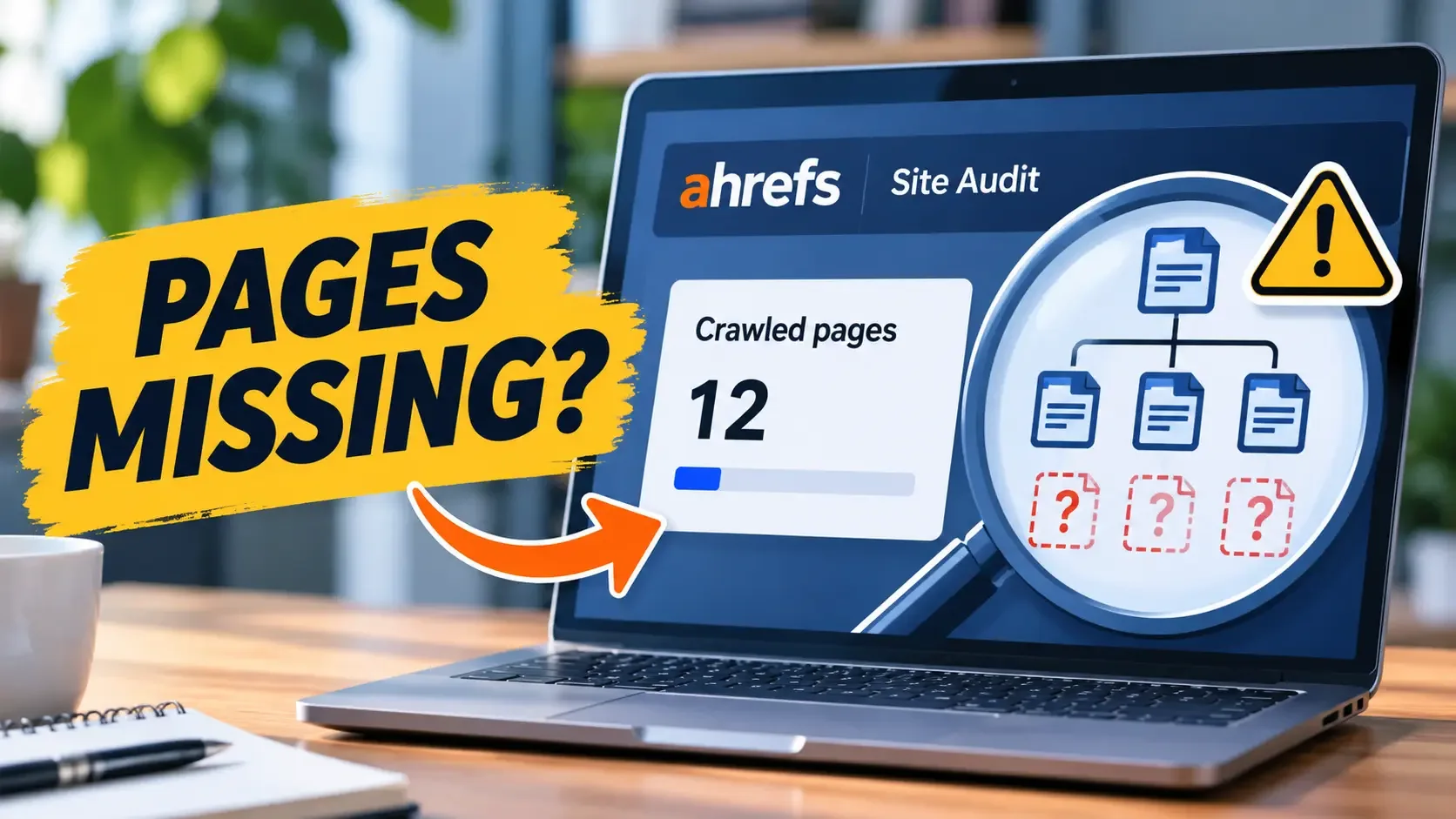
When Ahrefs Site Audit crawls only a few pages of a website that contains hundreds, the problem may come from the project's configuration rather than the website itself. An incorrect hostname, restrictive project scope or disabled JavaScript rendering can prevent Ahrefs from discovering pages that visitors can access normally.
Start by comparing the project's configured address with your website's actual hostname. If they match, check whether important internal links depend on JavaScript and whether the crawl settings allow Ahrefs to discover the remaining pages.
Ahrefs identifies hostname mismatches and JavaScript-dependent websites as two primary causes of unexpectedly small crawls. Other settings can also restrict coverage but the appropriate correction depends on whether missing URLs were excluded, never discovered or stopped by a crawl limit.
Check the Crawl Results
Open the affected project in Ahrefs Site Audit and examine its latest crawl results. Confirm that the crawl has finished before comparing its reported page count with the number of URLs you expected it to examine.
Suppose your website contains 300 published articles but Site Audit reports only 12 crawled pages. That difference deserves investigation, although it does not automatically mean that all 300 articles should appear in the report.
Some pages may fall outside the selected project scope, while others may not be discoverable through the configured URL sources. The useful comparison is between the accessible pages you intended to audit and the URLs Ahrefs actually reached.
Open Crawl log and Page explorer to investigate the results. Ahrefs distinguishes known URLs from crawled URLs, meaning an address can be discovered without necessarily being included in the completed crawl.
If the missing URLs are known but excluded, investigate the project's scope and restrictions. If they are not discovered at all, examine the starting URLs and internal links that should lead Ahrefs to those pages.
This distinction helps prevent unnecessary configuration changes because enabling JavaScript will not resolve a scope restriction that already excludes the missing URLs. Establish whether the problem involves eligibility or discovery before changing the project's settings.
Match the Project Scope
A hostname mismatch is one of the most direct explanations for unusually small Site Audit results. Ahrefs specifically documents problems involving projects configured with the www version of a website when the actual site uses the non-www hostname.
Open your website in a browser and observe its final address after redirects have completed. Compare that address with the hostname and project scope configured in Ahrefs.
For example, https://www.example.com and https://example.com may display the same website to visitors but they are different hostnames. A project restricted to one hostname may not include pages belonging to the other.
The selected scope mode also determines which URLs qualify for the audit. Ahrefs supports Exact URL, Path, Domain and Subdomains modes, each covering a different range of addresses.
Exact URL limits the project to a single address, while Path includes URLs within a specified URL prefix. Domain covers the selected hostname, whereas Subdomains provides broader coverage across the selected domain and its subdomains.
Consider a website with articles under example.com/blog/ and service pages under example.com/services/. If the project uses Path mode targeting /services/, articles under /blog/ fall outside the selected scope regardless of whether visitors can access them.
The correction is to configure a project scope that includes the intended website sections. If the required boundary cannot be changed within the existing project, consider creating a correctly scoped project while preserving the original.
Avoid deleting an existing project simply to correct its scope because Ahrefs warns that deletion can also remove associated Rank Tracker keywords and alerts. When the scope already includes the correct hostname and directories, leave it unchanged and investigate whether Ahrefs can discover the links leading to the missing pages.
Check JavaScript Rendering
Some websites generate navigation menus, category listings and article links through JavaScript. These links may appear normally in a browser after rendering while remaining absent from the initial HTML response.
Ahrefs Site Audit provides an Execute JavaScript setting for websites that depend on rendering. When this setting is disabled, links generated entirely through JavaScript may not be available through ordinary HTML link discovery.
To investigate, open a category page that should link to several missing articles. Inspect its original HTML source and compare the available links with those displayed after the browser finishes rendering.
For example, a category page might display 40 article links after loading, even though those links are absent from the original HTML. If JavaScript introduces those links, rendering becomes a reasonable explanation to investigate.
This observation does not prove that JavaScript is the only problem. Ahrefs may still discover the articles through XML sitemaps or links from other pages, depending on the project's configuration.
Enable JavaScript Execution
Open the Ahrefs Dashboard or Site Audit Dashboard and locate the affected project. Select its three-dot menu, choose Edit settings and open the Site Audit settings.
Under Crawl settings, locate Execute JavaScript and enable it if important navigation links depend on rendering. Save the configuration so the change applies to the next crawl.
The settings can also be accessed from an existing Site Audit report through the project's settings controls. JavaScript execution may increase processing time, so it should be enabled because rendering is necessary rather than simply because the website contains JavaScript files.
After running a new crawl, check whether the previously missing article URLs appear in Page explorer. If discovery does not improve, investigate the project's URL sources rather than repeatedly changing the rendering setting.
Review URL Sources and Sitemaps
Ahrefs Site Audit uses URL sources to determine where crawling begins. A correctly scoped project may still miss important content when its starting URLs do not provide a discoverable route to those pages.
Open the project's Site Audit settings and locate URL sources. For ordinary website-wide audits, Ahrefs recommends using Website and Auto-detected sitemaps as the default starting sources.
The Website option starts from the configured project URL, while Auto-detected sitemaps provide additional addresses through sitemap files. Ahrefs can identify sitemap references from robots.txt or recognized default sitemap locations.
Other supported sources include Specific sitemaps, Custom URL list and Backlinks. These options are useful for targeted investigations but their configuration should match the intended audit coverage.
Suppose a website contains 300 articles but its project starts from a custom list containing only 12 URLs. That list does not necessarily restrict the audit to 12 pages because Ahrefs may follow internal links from those starting addresses.
However, if the selected pages provide no discoverable links to the remaining articles, Site Audit may never reach them. Restore suitable website-wide discovery sources when a restricted starting configuration was not intentional.
Check Sitemap Restrictions
Open the website's XML sitemap and verify whether it contains the expected article URLs. If the website uses a sitemap index, examine the individual sitemap files referenced by that index.
A sitemap containing fewer URLs than the website's published content does not automatically explain an incomplete audit. Ahrefs can discover additional pages through internal links when its configuration permits that behaviour.
However, Ahrefs documents a sitemap-only configuration that uses Specific sitemaps as the URL source and sets Max depth level from seed to 0. This prevents the crawler from following links beyond the URLs supplied by the sitemap.
That restriction is useful when someone intentionally wants to audit only sitemap URLs. It becomes unsuitable when the goal is to discover all accessible pages across the website.
If the project uses this configuration unintentionally, select appropriate discovery sources and adjust the depth restriction. Preserve a deliberately limited sitemap audit if it serves a separate reporting purpose.
The objective is to give Ahrefs a valid route to the expected pages rather than add unnecessary URLs simply to increase the crawl count. A well-configured audit should discover the pages relevant to its defined scope without collecting unrelated content.
Inspect Crawl Limits and URL Rules
When project scope and discovery sources appear correct, examine whether a crawl restriction prevents additional pages from being processed. Ahrefs provides controls for maximum crawled pages, crawl duration, depth from starting URLs, folder depth, URL length and query parameters.
Open Crawl settings and compare these limits with the completed crawl results. Pay particular attention to whether the audit reached its maximum page count or stopped before following links to deeper website sections.
For example, a project configured to crawl no more than 100 pages cannot continue indefinitely because the website contains 500 accessible URLs. Increasing the limit may be appropriate when the audit actually reached that threshold and sufficient crawl capacity remains available.
A depth restriction affects discovery differently because it limits how far the crawler can follow links from its starting URLs. Consider a website where the homepage links to categories, categories link to subcategories and individual articles appear another level deeper.
If the maximum crawl depth is too restrictive, Ahrefs may stop before reaching those articles even though the pages remain accessible. Compare the configured depth with the website's navigation structure before making adjustments.
Custom URL inclusion and exclusion rules can create another restriction. Ahrefs accepts regular expressions for these controls, so an incorrectly written pattern may match more addresses than intended.
For example, an inclusion rule matching only /services/ could exclude articles under /blog/ from an audit intended to examine both sections. Preserve existing rule values before changing them and confirm which addresses each expression matches.
Change only the restriction supported by the evidence rather than removing every configured limit. Unnecessary changes can increase crawl consumption and introduce unrelated URLs without improving the intended coverage.
Recovering legitimate pages missing from a crawl is also different from preventing Ahrefs from visiting unnecessary URLs. If your problem involves unwanted URL patterns or excessive crawling rather than missing pages, BusinessTally's guide on stopping Ahrefs from crawling unwanted pages addresses that separate troubleshooting objective, helping you apply the appropriate settings without accidentally excluding important content.
Verify the Corrected Crawl
Ahrefs states that changes to Site Audit project settings apply to new crawls rather than retroactively changing completed reports. After correcting the relevant configuration, save the settings and start a fresh audit using New crawl.
Allow the crawl to finish before comparing results. The most useful measurement is whether Ahrefs now discovers the specific pages that were missing from the previous report.
Consider a hypothetical business website with 300 published articles whose original audit contained only 12 pages. The owner confirms that the hostname and project scope are correct but discovers that important article links are generated through JavaScript.
After enabling Execute JavaScript, the owner starts another crawl and checks whether the missing category and article URLs appear. If those URLs are now included, the result supports the conclusion that rendering contributed to the incomplete discovery.
If the page count increases substantially but important articles remain missing, the issue has not been fully resolved. Additional discovered URLs are useful only when they belong to the website sections the audit was intended to examine.
Choose several previously missing pages from different categories and locate them in Page explorer. Confirm that Ahrefs actually crawled those URLs rather than merely discovering or excluding them.
A website with hundreds of unnecessary parameter variations may produce a larger crawl without providing more useful technical information. Accurate coverage of the intended pages matters more than obtaining the largest possible URL count.
Also remember that Site Audit and Site Explorer use different crawling systems. Site Audit uses AhrefsSiteAudit, while Site Explorer relies on AhrefsBot for its underlying data collection.
Correcting Site Audit coverage therefore does not guarantee an immediate change to the information displayed in Site Explorer. Evaluate the result using the completed Site Audit report rather than expecting both tools to show identical page counts.
When Pages Remain Missing
If the project scope, rendering configuration, URL sources and crawl limits appear correct, investigate whether the missing URLs produce identifiable access errors. A page excluded by project configuration requires a different correction from one that Ahrefs attempts to request but cannot access.
For example, an HTTP 403 response may indicate that a security system is refusing crawler requests. That problem should be investigated through its own access-control evidence rather than treated as another reason to repeatedly change JavaScript settings.
Avoid disabling website security protections or broadly allowing automated traffic without identifying the actual restriction. Changes to firewalls, robots.txt or hosting security systems should be limited to what the evidence supports.
If the audit remains incomplete without a clear explanation, prepare a focused report for Ahrefs support. Include the project URL, completed crawl date, expected page coverage, actual crawled-page count and examples of missing URLs.
Record the selected project scope, JavaScript execution setting, URL sources and relevant crawl limits. Where possible, include information from Crawl log showing whether the URLs were undiscovered, excluded or affected by access errors.
These details help support investigate the actual failure without repeating unrelated troubleshooting steps. Avoid sharing passwords, authentication tokens or other confidential account information.
A successful resolution is demonstrated when a completed Site Audit consistently reaches the expected, accessible, in-scope URLs. That result confirms the relevant crawl configuration is working without confusing incomplete Ahrefs reporting with a website indexing problem.